HP POLY VIDEO
POLY X52 AB X50 VESA
$83.00$72.04
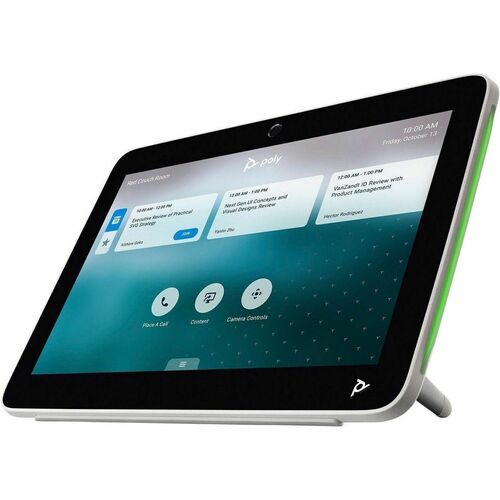
HP POLY A2 AUDIO BRIDGE NO LOCALIZATION
Adding to inquiry lets you bundle multiple products into a single quote request.
Your bridge to the future of audio
Transform audio connectivity in conference rooms and leave complex setups behind. Expand coverage with a plug-and-play solution that offers seamless exibility and scalability, ensuring your spaces are always ready for the future of collaboration.
Easy connectivity. Simple scalability
Streamline your audio setup with a simple plug-and-play solution for advanced connectivity. Easily integrate multiple table mics while ensuring synchronized audio. Support up to 32 audio input channels with HP Poly video room devices.
Effortless, Scalable Deployment
Do away with cumbersome and multi-component installations. Deploy using HP Poly StudioNet for a simple, scalable and cost-efficient setup using standard Ethernet cabling. Easily adapt and reconfigure connected devices to meet evolving needs.
Hassle-free setup
Designed with ease in mind, this audio bridge makes setup, scaling, and maintenance a breeze for any IT department. Get optimal positioning with a magnetic mount, easy management with Poly Lens, and a discreet setup with a single, standard Ethernet cable.
Featuring | Audio setup, streamlined
Simplify your audio setup without compromising on quality. Seamlessly connect up to 32 audio input channels to achieve a natural audio experience while fully covering any room, no matter the size.
Just plug and play
With this simple, easy plug-and-play solution, you can get started today. Seamlessly connect with next generation HP Poly video devices over HP Poly StudioNet.
Deploy and scale with ease
Reduce the cost and hassle of complicated audio installations and switch to a streamlined solution that is easy to deploy, scale, and maintain. Connect your HP Poly Studio A2 audio bridge via HP Poly StudioNet for an effortless and seamless installation.
Adapts as you evolve
Avoid the hassle of starting from scratch every time with an audio solution that quickly and easily adjusts to changing business needs. Effortlessly adapt to varying room requirements. Reposition connected devices in no time.
Quick, easy set-up
Ditch expensive and complicated cabling in conference rooms. Say hello to a quick, smooth, and discreet audio setup with single and standard Ethernet cable.
| Depth | 4.06" |
|---|---|
| Width | 5.79" |
| Height | 0.94" |
| Brand Name | Poly |
| Manufacturer | HP Inc. |
| Product Line | Studio A2 |
| Product Name | Studio A2 Network Audio Bridge |
| Product Type | Network Audio Bridge |
| Compatibility | <p>HP Poly video room devices</p> |
| Product Family | Studio A2 |
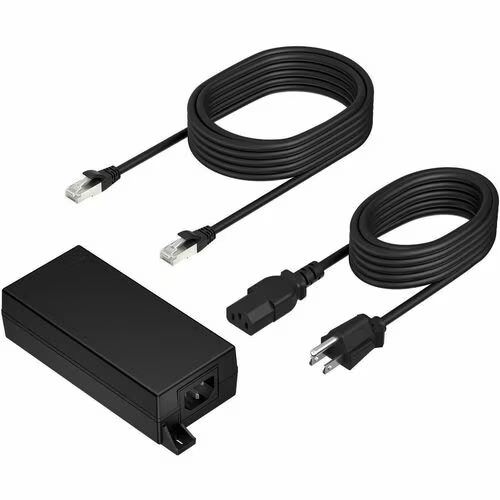
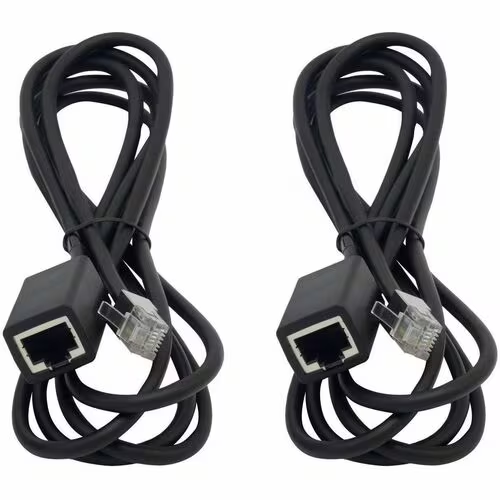
| Package Contents | <ul><li>Studio A2 Network Audio Bridge</li><li>Mounting Plate; CAT 6A Cable (3.66 m)</li><li>Microphone Extension Cable (8 m)</li><li>Safety Guide</li><li>Quick Start Guide</li><li>Warranty Card</li></ul> |
| Application/Usage | Conference Room |
| Weight (Approximate) | 1.12 oz |
|---|---|
| Manufacturer Part Number | B22X2AA#AC3 |
| Manufacturer Website Address | http://www.hp.com |
More in VC-CP from HP POLY VIDEO and similar brands
Other products available from this brand
Ask us about compatibility, pricing tiers, lead time, or anything else. We typically reply within one business day.
Actual pricing depends on volume, configuration, and current promotions. Reach out and we'll put together a real quote — often below this number.